
12 Common Resume Mistakes That Cost You Interviews (and How to Fix Them)
You can have the right skills and still get no replies. Very often the problem is not you – it is the resume. Small, fixable mistakes make recruiters move on to the next application. Here are 12 of the most common resume mistakes, why they hurt you, and exactly how to fix each one.
1. Spelling and grammar errors
Why it hurts: a typo suggests carelessness, especially for roles that need attention to detail.
Fix: run a spell check, read the resume out loud slowly, then ask someone else to read it. Pay extra attention to company names, job titles and your own contact details.
2. Sending the same resume to every job
Why it hurts: a generic resume does not show why you fit this role, and it may miss the keywords that applicant tracking systems (ATS) look for.
Fix: keep a master resume, then make a tailored copy for each application. Move the most relevant experience to the top and use the same words the job advert uses for skills you really have.
3. Listing duties instead of achievements
Why it hurts: “Responsible for customer service” tells the reader nothing about how well you did it.
Fix: show results. “Handled 60+ customer queries a day and kept a 95% satisfaction rating” is far stronger. Add numbers wherever you honestly can – money saved, time reduced, people trained, sales increased.
4. An unprofessional email address
Why it hurts: an address like coolboy99@… makes a poor first impression.
Fix: create a simple address using your name, such as firstname.lastname@gmail.com, and use it only for job applications.
5. Too long (or too short)
Why it hurts: recruiters skim. Four pages of every task you have ever done hides your best points, while half a page can look like you have nothing to offer.
Fix: aim for one page if you have less than five years of experience and two pages at most for longer careers. Cut old, unrelated roles down to a single line.
6. A vague or missing summary
Why it hurts: lines like “hard-working person looking for a challenging position” could describe anyone.
Fix: write two or three specific lines: your job title, years of experience, key strengths and what you want next.
7. Hard-to-read design
Why it hurts: tiny fonts, crowded pages, many colours or decorative fonts tire the reader and can confuse ATS software.
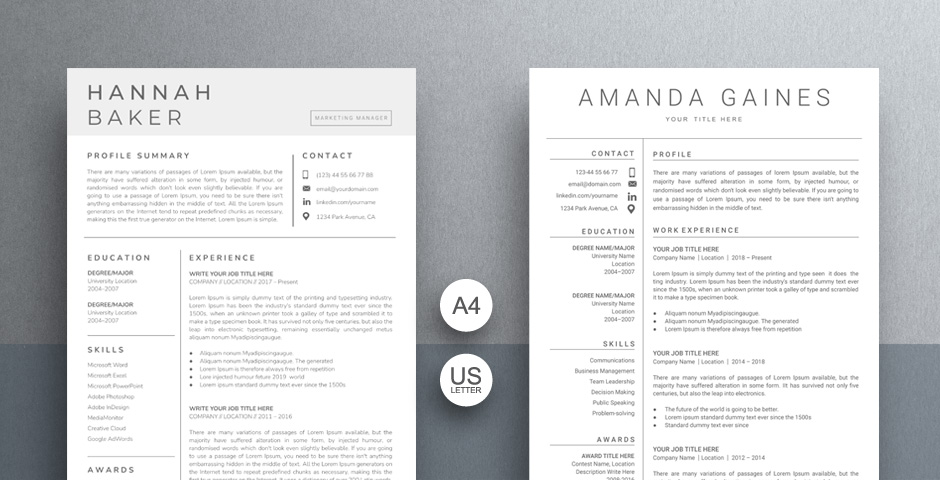
Fix: use one clear font at 10–12 pt, generous margins, consistent headings and plenty of white space. A clean Word resume template or Google Docs resume template handles this for you.
8. Important information hidden in graphics
Why it hurts: many ATS tools cannot read text inside images, icons, text boxes or headers, so your skills or contact details may never be seen.
Fix: keep all key information as normal text in the main body of the document. Replace skill bars and star ratings with simple words, such as “Excel (advanced)”.
9. Unexplained gaps
Why it hurts: a long gap with no explanation makes recruiters wonder.
Fix: you do not need to share private details. A short line such as “Career break – family care” or “Freelance projects and online courses” is enough. Mention any skills you built during that time.
10. Too much personal information
Why it hurts: details like religion, marital status, full home address or national ID numbers are rarely needed and take space from what matters.
Fix: include only what the employer needs to contact and assess you. Follow local norms – some countries and employers expect a photo or date of birth, but many do not.
11. Exaggerating or lying
Why it hurts: false claims are often discovered in interviews, skills tests or background checks, and can cost you the job even after you are hired.
Fix: present your real experience in its best light. If you are still learning a skill, say “basic” or “currently learning”.
12. A careless file name and format
Why it hurts: a file called “resume final new (2).docx” looks rushed, and Word files can change layout on someone else’s computer.
Fix: save as PDF unless asked otherwise, and name it clearly, for example Firstname-Lastname-Resume.pdf.
Quick resume checklist
- No typos, correct contact details
- Tailored to the job, with matching keywords
- Achievements with numbers, not just duties
- One or two pages, clean and readable layout
- Key information as plain text, ATS-friendly
- Saved as a clearly named PDF
Starting from scratch? Follow our step-by-step guide on how to write a resume that gets read, and learn how to choose and customise a resume template. You can also grab a free resume template to get started today.
Frequently asked questions
How many resume mistakes are too many?
Even one obvious error can cost you an interview for competitive roles, so check carefully. The good news is that all of the mistakes above are easy to fix in an hour or less.
Should I include references on my resume?
Usually not. Have two or three references ready and share them when the employer asks. The line “references available on request” is not needed either.
Is a two-column resume bad for ATS?
Not always, but simple one-column layouts are the safest. If you use two columns, keep all text as normal text, not inside images or text boxes.